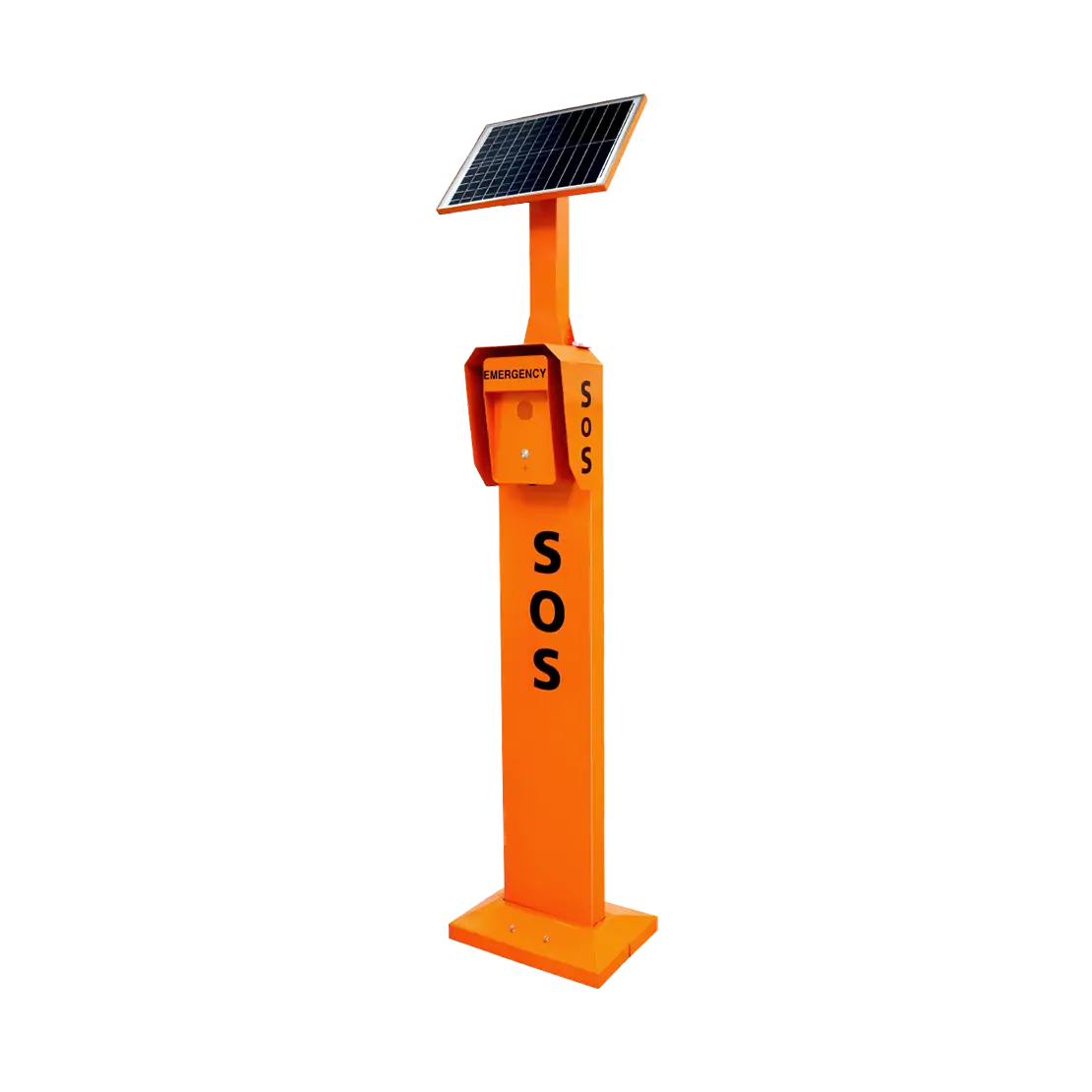
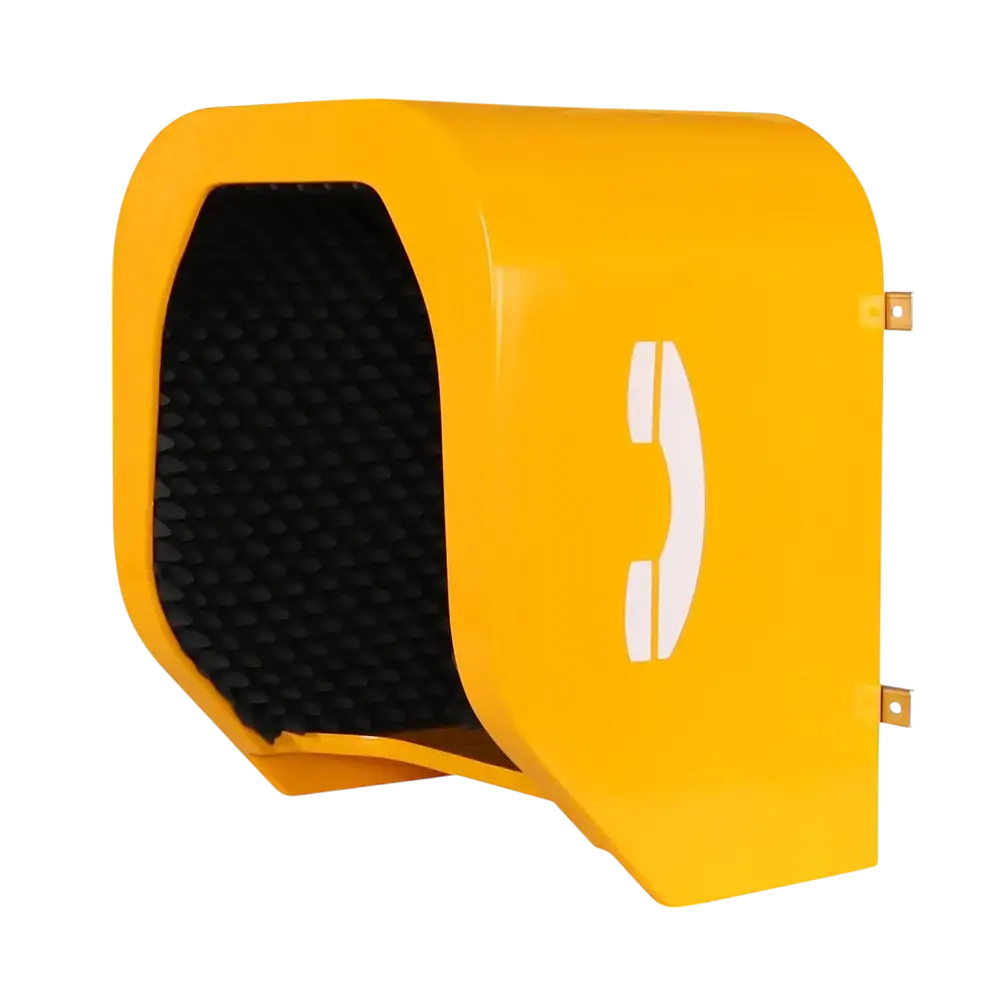
In an era of evolving security threats, video intercom systems have become a cornerstone of facility protection for offices, schools, industrial sites, and commercial properties. But what is video intercom, exactly? More than just a communication tool, it’s an integrated security solution that combines real-time audio-visual verification, access control, and emergency response capabilities. This article explores how next-gen video intercoms enhance facility safety, streamline operations, and ensure compliance—while highlighting key considerations for deployment, maintenance, and integration. Discover how pairing these systems with a smart industrial backbone and resolving the intercom or pa? dilemma can elevate your security infrastructure to meet modern risks.
As businesses and institutions prioritize safety in an increasingly complex threat landscape, video intercom systems have transitioned from “nice-to-have” accessories to mission-critical security assets. Yet many facility managers still grapple with fundamental questions: What is video intercom’s true role in a comprehensive security strategy? And more importantly, is their current setup robust enough to deter breaches, verify visitors, and support rapid emergency responses? From office lobbies to industrial loading bays, the effectiveness of a video intercom hinges on its components, integration capabilities, user access protocols, and ongoing maintenance. This article breaks down the essentials to help you assess and strengthen your facility’s video intercom security.
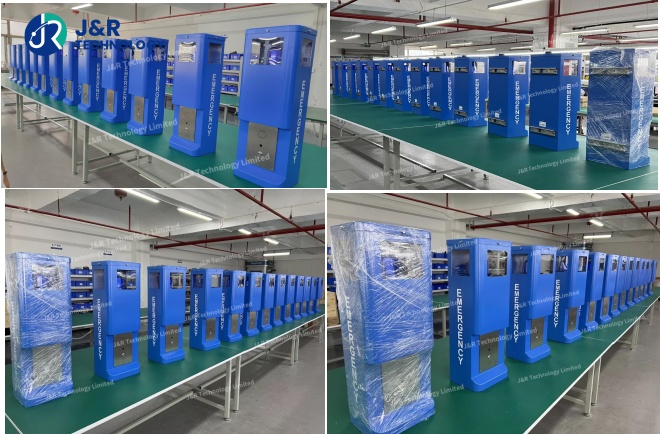
System Components
A secure video intercom setup relies on five interconnected components that work in tandem to deliver reliability, clarity, and protection:
- Camera Modules: High-definition (HD) or 4K cameras with low-light performance and wide-angle lenses form the visual core. Industrial facilities and outdoor areas benefit from weatherproof and vandal-resistant designs, while schools and offices may prioritize discreet, aesthetically pleasing units. Advanced models include facial recognition technology and motion sensors to trigger alerts for unauthorised activity.
- Audio Systems: Noise-cancelling microphones and high-fidelity speakers ensure clear communication—critical for noisy industrial environments or large campuses where background sounds can obscure voices. Two-way audio functionality allows seamless dialogue between visitors and staff, eliminating misunderstandings during access requests.
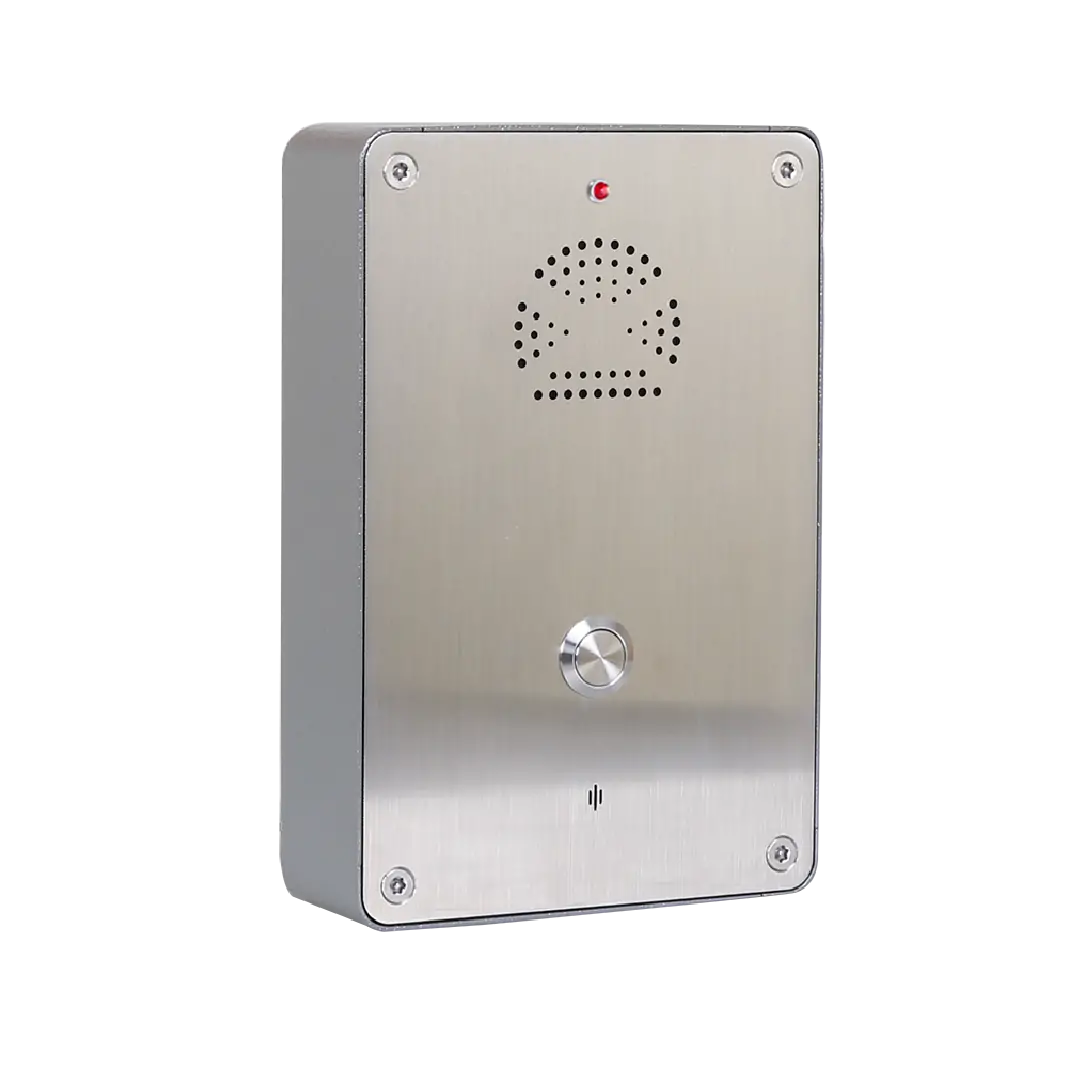
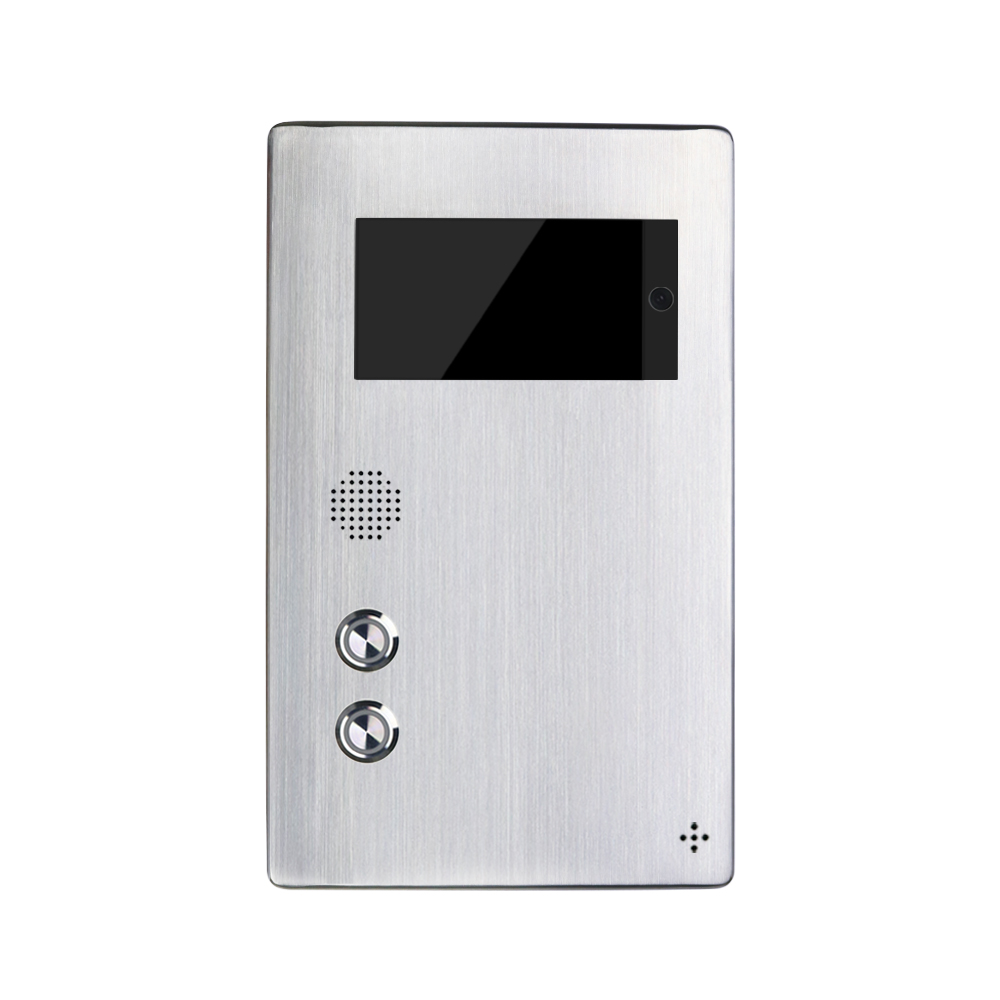
- Control Interfaces: End-user devices range from wall-mounted touchscreens at entry points to mobile apps and desktop dashboards. These interfaces enable remote operation, such as unlocking doors from a smartphone or reviewing visitor logs. For large facilities, centralised control rooms with multi-feed monitoring streamline management across multiple entry points.
- Access Control Integration: Electronic door strikes, gates, and barriers linked to the intercom system allow authorised personnel to grant or deny access remotely. This component is non-negotiable for industrial sites and schools, where controlled entry is a safety priority.
- Storage & Processing: Cloud-based or on-premises servers store video footage and communication logs for compliance and incident investigations. Encrypted storage ensures sensitive data—such as visitor identities or access records—remains protected from cyber threats.
Image & Audio Integration
The true power of video intercom lies in its ability to integrate image and audio with broader security infrastructure, creating a unified safety network:
- CCTV Synergy: Pairing video intercoms with closed-circuit television (CCTV) systems allows staff to cross-reference live intercom feeds with additional camera angles, verifying visitor identities and monitoring surrounding areas. For example, a commercial property can use CCTV to track a visitor’s movement from the entrance to a meeting room, with the intercom system initiating the access workflow.
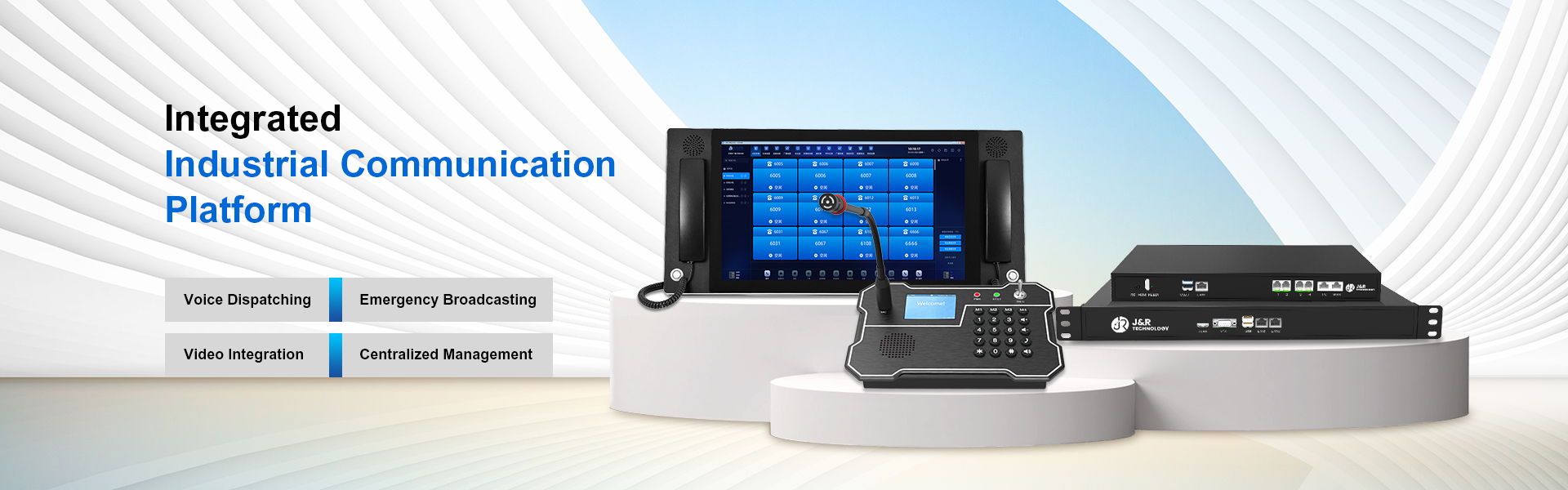
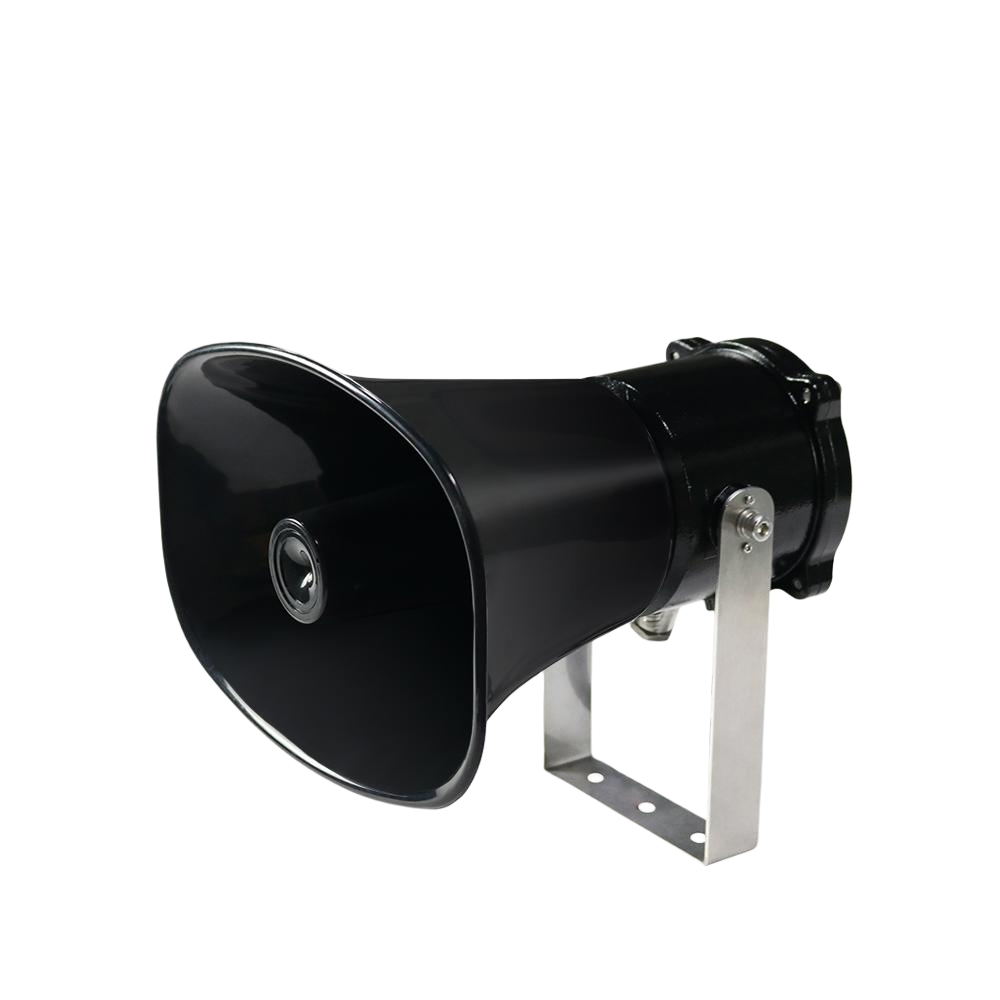
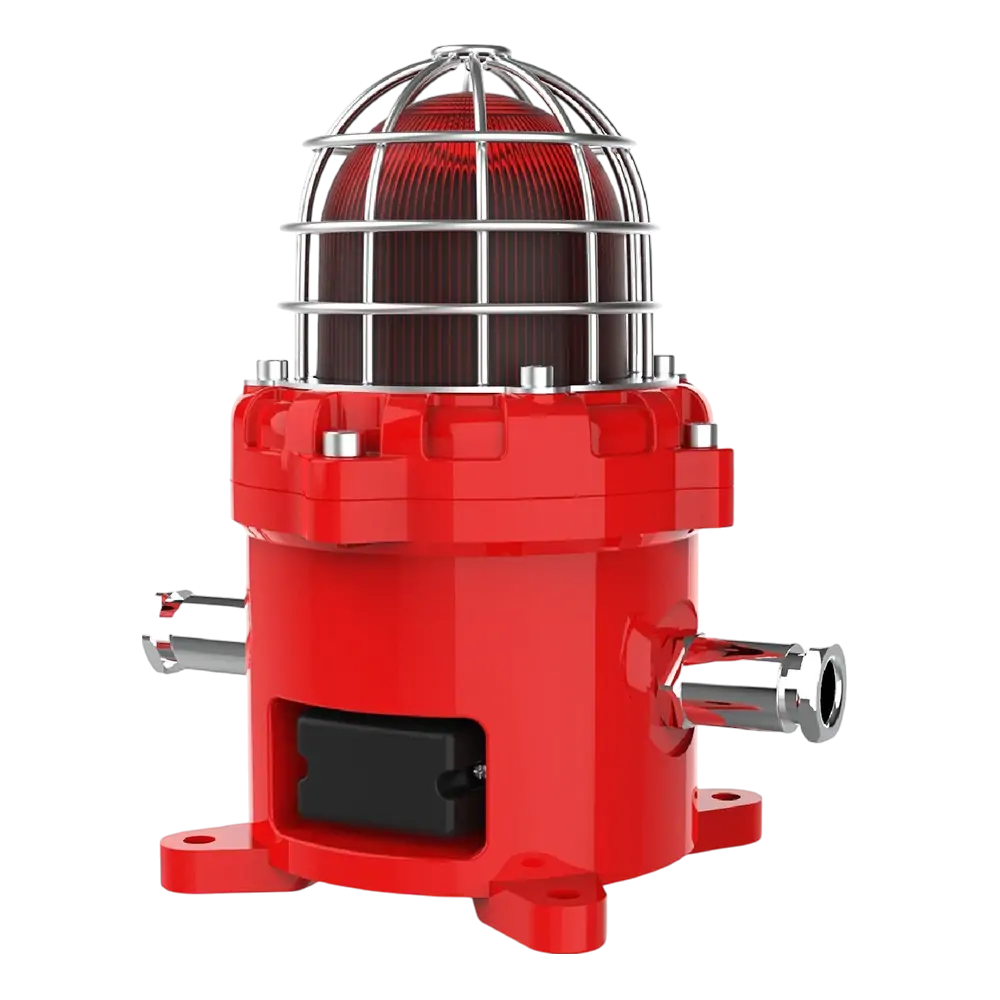
- PA System Connectivity: Resolving the intercom or pa? debate often leads to integration, as linking video intercoms with public address (PA) systems amplifies emergency communications. In schools, this means broadcasting lockdown instructions simultaneously through intercoms and campus-wide speakers, ensuring no area is missed. Industrial facilities use this integration to send zone-specific alerts, such as equipment malfunctions or evacuation orders, with visual confirmation via intercom cameras.
- IoT Sensor Integration: Smart industrial backbone technologies enable video intercoms to connect with IoT sensors (e.g., motion detectors, fire alarms). If a sensor triggers an alert, the intercom system can automatically pull up relevant camera feeds and initiate emergency communication, accelerating response times.
User Access Logic
Secure video intercom setups depend on layered access logic that balances convenience with protection, tailored to facility type:
- Role-Based Permissions: Staff access is tiered—receptionists may unlock main entrances, while department managers can approve access to restricted areas. For industrial sites, this means limiting control room access to authorised technicians, while school administrators manage classroom and campus gate permissions.
- Verification Protocols: Multi-factor verification (e.g., visual ID check + PIN code) prevents unauthorised access. Video intercoms with facial recognition can sync with employee databases, allowing quick authentication for staff while requiring visitors to provide identification for approval.
- Visitor Management Workflows: Automated visitor logs, temporary access badges, and real-time notifications to host staff streamline the check-in process. For example, a commercial property’s video intercom can send a visitor’s image and purpose to the host’s smartphone, who can then grant access remotely and track the visitor’s entry/exit times.
- Emergency Overrides: In crises, security teams or designated personnel can activate emergency access logic—such as unlocking all exits or initiating a facility-wide lockdown—directly through the intercom system, bypassing standard protocols to ensure safety.
Maintenance Tips
To keep video intercom systems secure and functional, proactive maintenance is essential. Follow these best practices:
- Routine Inspections: Conduct monthly checks of cameras, microphones, and speakers to ensure clarity and functionality. Clean camera lenses to remove dust or debris, and test audio quality in high-noise areas (e.g., industrial floors) to confirm noise-cancelling features are working.
- Software Updates: Regularly update firmware and software to patch security vulnerabilities. Many modern systems offer automatic updates, but facility managers should verify compliance to protect against cyber threats targeting outdated technology.
- Storage Audits: Review storage capacity and data retention policies to ensure compliance with privacy laws (e.g., Australian privacy regulations for video recording). Delete unnecessary footage to free up space and reduce liability.
- Hardware Durability: For outdoor or high-risk areas, inspect weatherproof and vandal-resistant casings for damage. Replace worn components—such as cracked camera covers or faulty door strikes—to maintain security integrity.
- User Training: Ensure staff understand access protocols, emergency features, and how to troubleshoot common issues (e.g., muted audio, connectivity problems). Regular training reduces human error and ensures the system is used to its full potential.
Deployment Examples
Video intercom systems adapt to diverse facility needs, with these real-world deployments showcasing their security impact:
- Industrial Facility: A manufacturing plant in Newcastle integrated Dahua IP-based video intercoms with access control and CCTV systems. The setup includes weatherproof cameras at loading bays, noise-cancelling audio for factory floors, and remote management via mobile apps. Since deployment, unauthorised access incidents have dropped by 85%, and emergency response times for equipment malfunctions have been cut by 40%.
- School Campus: A NSW school installed Aiphone video intercoms at classroom doors, administration buildings, and gates. The system features emergency call buttons, PA integration for lockdown alerts, and facial recognition for staff authentication. Visitors must present ID via the intercom, which is verified by office staff before access is granted—enhancing student safety while streamlining visitor management.
- Commercial Office Building: A multi-tenant office in Sydney deployed Bticino video intercoms with directory-style access. Tenants can receive visitor calls directly to their smartphones, verify identities via video, and unlock suite doors remotely. The system integrates with the building’s smart industrial backbone, syncing with IoT sensors to trigger intercom alerts for unusual activity (e.g., after-hours movement in common areas).
In today’s security-conscious environment, a video intercom setup is only as secure as its components, integration, access logic, and maintenance. By understanding what is video intercom’s full potential—beyond basic communication—and leveraging integrations with smart industrial backbone technologies and PA systems, facilities can create a layered security approach that deters threats, streamlines operations, and ensures compliance. Whether you manage an industrial site, school, or office building, investing in a well-designed, properly maintained video intercom system is not just a security measure—it’s a strategic decision to protect people, assets, and peace of mind.


 Prisons & Correctional Facilities
 Transportation & Underground Infrastructure
 Critical Industrial & Energy Facilities
 Marine & Offshore
 Manufacturing Plant & Public Facilities